How to Fish — Low FPS and Stuttering
Cap frames, drop overlays, match the patch. Fake DX12 launch strings are not a studio fix.
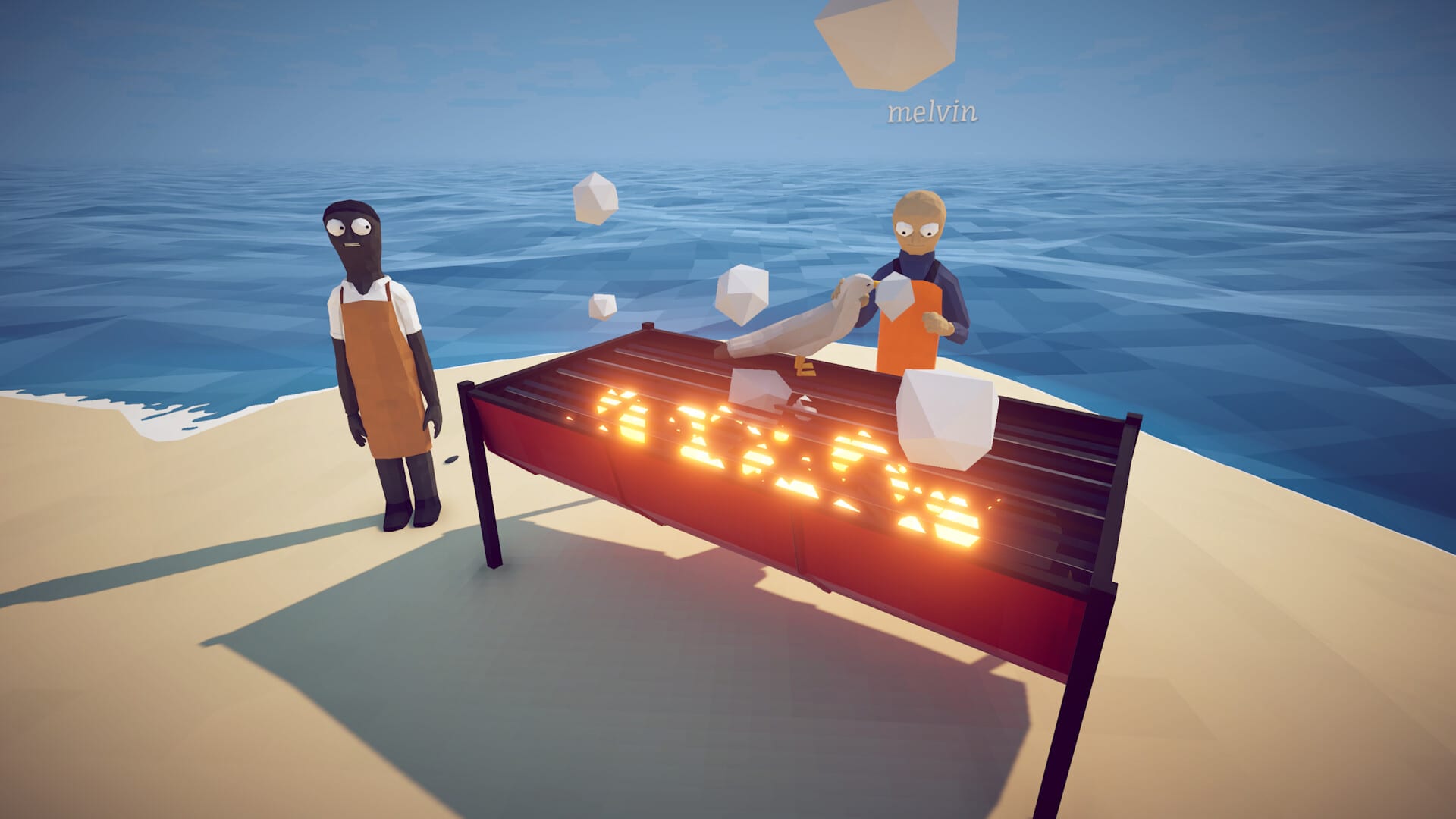
How to Fish is a physics toy. Explosions, seagulls, and eight-player lobbies all hit the CPU. After launch, players described two different problems that search engines mash together: a low average frame rate, and a high frame rate that still hitch when you turn the camera. This page separates those, lists what Dazed Games actually shipped, and tells you which internet “launch options” to ignore.
Patch 1.0.5 dropped the minimum locked FPS from 50 to 30. If a Steam Deck or a laptop was fighting a 50 FPS floor, that change is the official one. Patch 1.0.4 stopped forcing fullscreen on boot (gray screen). Patch 1.0.8 tied fire sizzle to the FX slider, which is audio, not frames, but people still hunt it in the same settings menu.
First checks that are not folklore
Confirm the build. Mixed patches refuse lobbies and can look like hitching when a client rubber-bands. Restart Steam after every hotfix. Print the version from player.log after Patch 1.0.10.
Cap the frame rate in-game or at the driver to something your display can hold. A 200 FPS physics dump on a 60 Hz panel is a common source of “high GPU use” reports. Prefer a stable 60 over an uncapped graph that spikes when dynamite goes off.
Disable overlays while you test: Discord, GeForce Experience, Xbox Game Bar, Steam’s own overlay if the menu stutters. One overlay is enough to hitch a small indie build.
Verify game files on Steam. Update GPU drivers from NVIDIA, AMD, or Intel — not from a random “optimizer” site. Set Windows to the discrete GPU on a laptop. Run from an SSD. Close a browser with 40 tabs before you blame the Anglerfish.
If the picture is a black or gray boot, that is Troubleshooting, not an FPS cap. If Steam Relay text is red, that is a connection init failure from Patch 1.0.9, not a shader cache.
What this wiki will not paste
Third-party pages recommend strings like -high -USEALLAVAILABLECORES -dx11 -novid. Those flags are cargo-cult Unreal / Source leftovers. How to Fish is a Unity physics game. Dazed Games has not published those arguments in Steam news. Do not treat them as a patch. Empty weird launch options before you ask Discord why the game will not start.
Do not download “infinite money” overlays as a performance tool. They are malware with extra steps.
Settings that actually move the needle
Lower water, particles, and shadows first. Physics debris is the tax. Island 5 with eight players and a cook pile is the worst case; a solo Lighthouse session is not a benchmark.
Invert look is Patch 1.0.5 and costs nothing. PlayStation glyphs are Patch 1.0.8. Neither is an FPS toggle.
Steam Deck is listed Playable, not Verified. Use the 30 FPS floor from 1.0.5, a TDP cap you already use on other Unity games, and a docked 60 only if thermals allow. There is no console SKU.
Co-op hitch that only affects other boats is often netcode. Host wired. Private lobbies (1.0.5) cut random join spikes. Patch 1.0.10 lengthened the connect window.
When the game is fine and the mouse is not
Camera stutter with a high FPS number is often raw input fighting a high polling mouse plus an overlay. Test 125 Hz polling, exclusive fullscreen after 1.0.4’s gray-screen fix, and a VSync on/off pair. If only co-op stutters, it is not your GPU.
Related pages
- System Requirements — official minimums and Deck notes
- Troubleshooting — saves, Relay, black screen
- Controls — invert look, pad glyphs
- Updates Hub — 1.0.5 FPS lock, 1.0.4 fullscreen