How to Fish — Save File Location
Find the folder, copy it before you delete anything, then use Discord only if 1.0.9 did not recover the file.
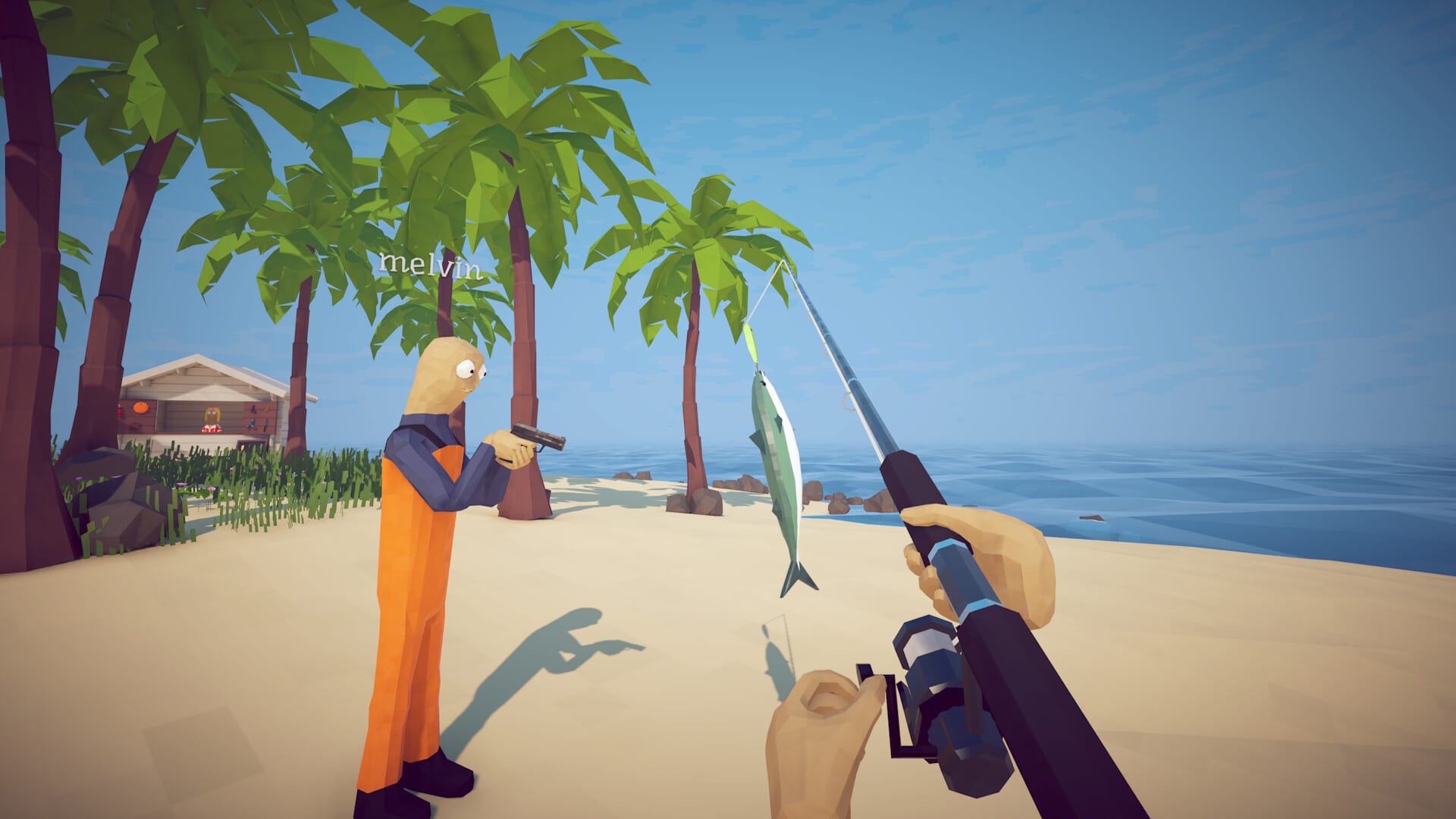
How to Fish is a Unity title from Dazed Games. Progress lives on disk as ordinary save data, not as a Steam Cloud mystery box you cannot copy. This page is the search landing for “save file location,” “corrupted save,” and “game will not load.” Pair it with Troubleshooting if the symptom is a black screen or a red Steam Relay line instead of a missing folder.
Where the files sit on Windows
The studio folder follows the usual Unity layout under LocalLow:
%USERPROFILE%\AppData\LocalLow\Dazed Games\How to Fish
Paste that into File Explorer’s address bar. If Windows hides AppData, type the path anyway. Inside you should see a How to Fish directory. Community writeups also mention a Saves subfolder. Names of individual files can change between patches, so copy the whole How to Fish folder, not a single .sav you guessed from another game.
A faster route: Win + R, type %USERPROFILE%\AppData\LocalLow\Dazed Games, press Enter, then open How to Fish.
Steam Cloud can overlay a second copy when you boot the same account on two PCs. If a laptop and a desktop fight over one slot, disable Cloud for this app in Steam Properties while you sort the folder, or you will re-download the bad file you just replaced.
When the game actually writes
Patch 1.0.6 stopped saving on crash. It writes when you press Save, when you open the Main Menu, and when you Quit. It still autosaves about once a minute. Use those buttons at clean checkpoints — after a trophy hand-in, after a shop spree, before you alt-tab into a long video.
Patch 1.0.6 also checks the file before load. That killed fake lobby rows named “Game Name.” If you still see a ghost server, you are probably not on 1.0.6 or newer. Restart Steam. The version string also prints in player.log as of Patch 1.0.10.
Patch 1.0.4 banned special characters in server names because they broke saves. Do not put emoji or odd punctuation in a lobby title and then wonder why the slot will not open.
Corruption after 1.0.9
Patch 1.0.9 “hopefully” fixed save corruption and crashes when equipping weapons. If a slot still will not load, the Community Discord documents how to remove the bad file. Copy the folder to the Desktop first. A 0-byte file is a crash mid-write; restoring yesterday’s copy is safer than hex-editing an island unlock.
Do not treat a damaged save as a Bean skip. Patch 1.0.5 made locked travel impossible on purpose. Editing coordinates is how people brick the Radar.
Ground items are a second inventory
FANART & PATCH 1.0.10 saves items dropped on the ground between sessions, up to 64 total, prioritizing weapons, tools, quest items, and creatures. A cook pile at the military camp can survive a quit. Overflow still deletes the least important objects. Quest trophies belong in pockets, not on the sand, even after 1.0.10.
If a stash vanished, you either quit on a pre-1.0.10 build, overflowed the cap, or loaded a different slot than the one that owned the pile.
Co-op and whose file matters
The host’s world is the session. Clients should not overwrite the host folder with a solo save from last night. If a friend cannot see Island 4, they are in the wrong lobby or the host never handed in the Albatross head — not a missing .sav on the client PC.
Private invite lobbies (Patch 1.0.5) keep griefers from ending the game on join, which used to look like a wiped save.
Related pages
- Troubleshooting — Relay, black screen, mixed versions
- Updates Hub — 1.0.6 write rules, 1.0.9 corruption note, 1.0.10 stashes
- Bean Speedrun — start a clean slot, do not edit this one
- Co-op Guide — whose world you are actually in